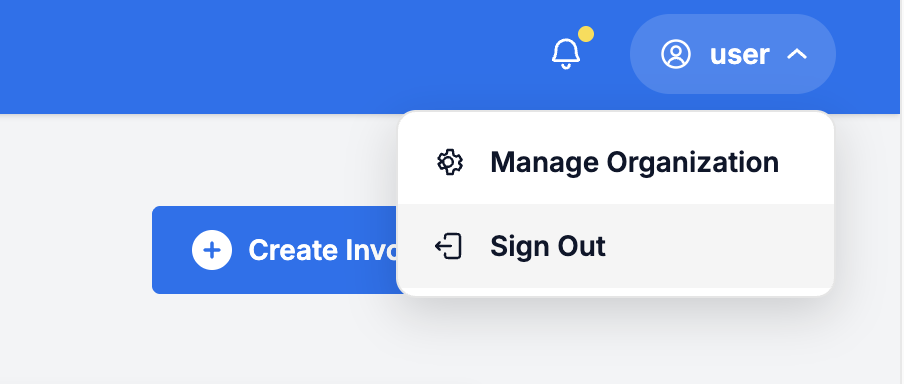
Sign out of ATB Invoicing when you finish your session—especially when working on a shared or public computer—to keep your business data secure.
How to sign out
- Open the profile menu: Click your name or profile icon in the top-right corner of the header.
- Select Sign Out: Click Sign out from the dropdown menu. ATB Invoicing will end your active session and return you to the sign-in page.